LITEMALADSP/MALAHITEAM MLite-880
Without a doubt the MLite-880 is one amazing little device. According to the folks at at Elecevolve it is a simplified derivative of the Russian DSP/2/3 receivers and as such it takes a giant leap forward in terms of the ability to resolve and make less-than-perfect signals listenable. It is currently selling for $180 at elecevolve: .
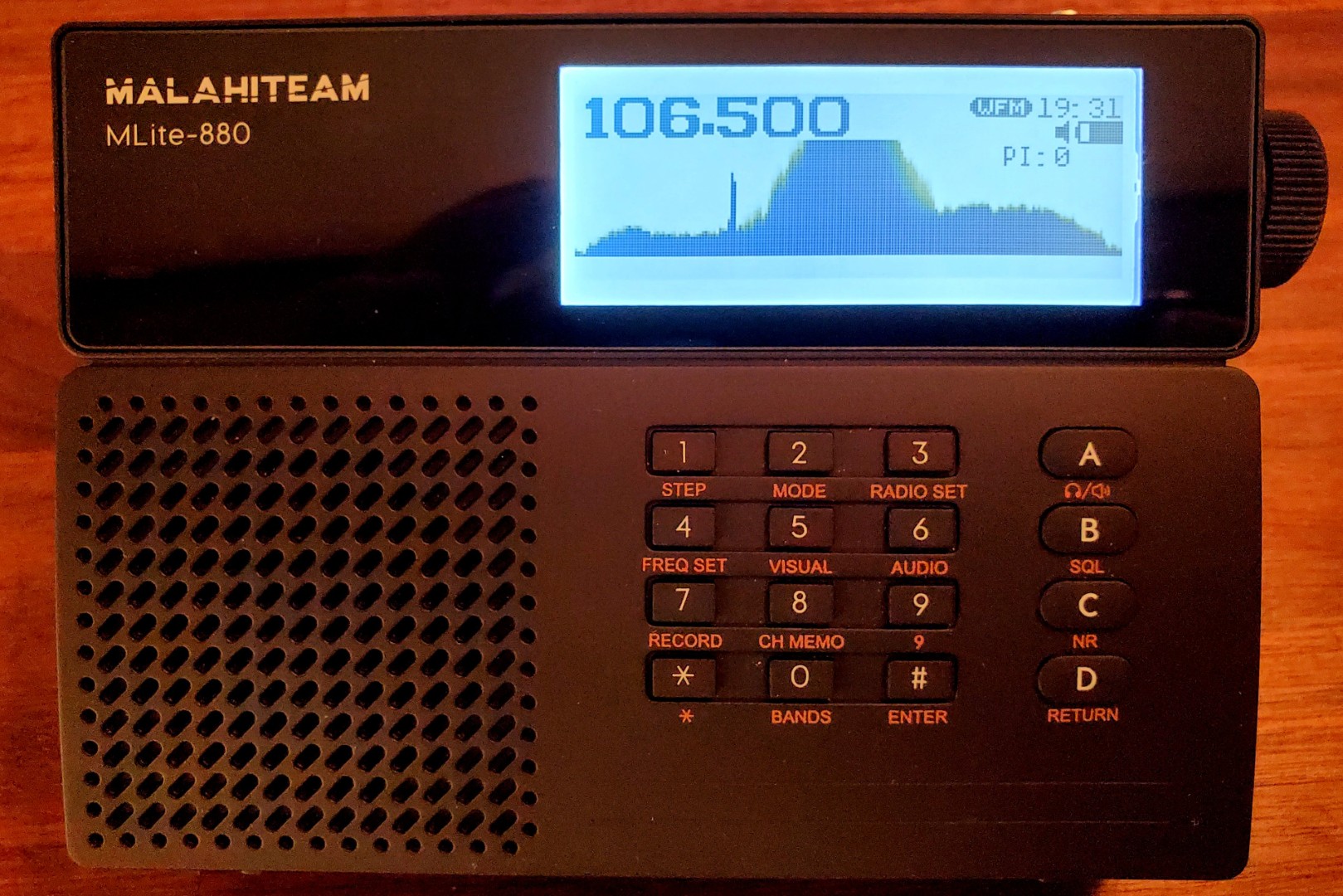
Note: I received this info from their support team: “… the front glass panel (on my review sample) displays the “MALAHITEAM” logo due to an assembly error. Please rest assured that all internal components, features, and performance are identical to the current “Litemaladsp” version, and this will not affect your user experience in any way.” I pass this along only to dispel any possible confusion.
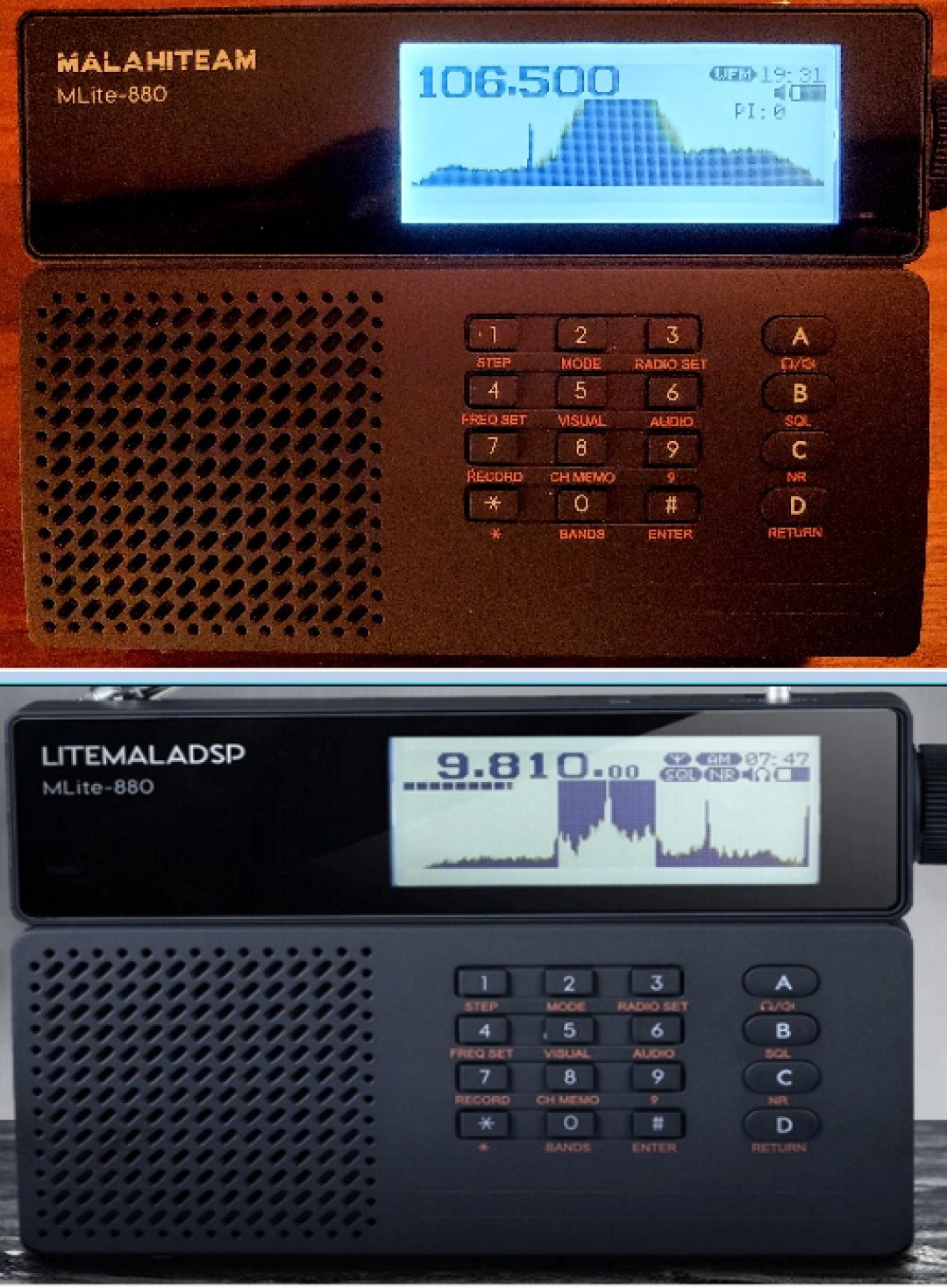
Above: Malahiteam or Litemaladsp the radios are identical
One of the primary reasons for this is the NR (Noise Reduction) circuit which can dramatically lower the noise floor of weak AM/SW signals. As a radio production person, I have used software-based noise reduction extensively for many years and have a good feel for its pros and cons which I will discuss as we go along.
Another great feature is the real-time spectrum display which allows you to view the portion of the band you are tuning within, showing your desired signal along with neighboring ones…and although the MLite-880 is not an HD radio you can see the HD Sidebands on HD stations. You can sometimes see blips which are too weak to hear but since you can tune to the visual blip you then have the option to try to improve the reception…in this way the display can be a valuable tool. There are far more features and adjustments to optimize reception than I have seen on any portable radio, but I was of course eager to see how well the radio works in practical terms and there were several surprises along the way. This one is a game changer.
This does come with a price…it takes a bit of time and experimentation to fully master and even an old radio fanatic like me spent many sessions trying to become comfortable with some of the menus…I will describe this as well.
Before we jump into it let’s take a look at the MLite-880:
Features & Specifications:
Real-time RF Spectrum Display
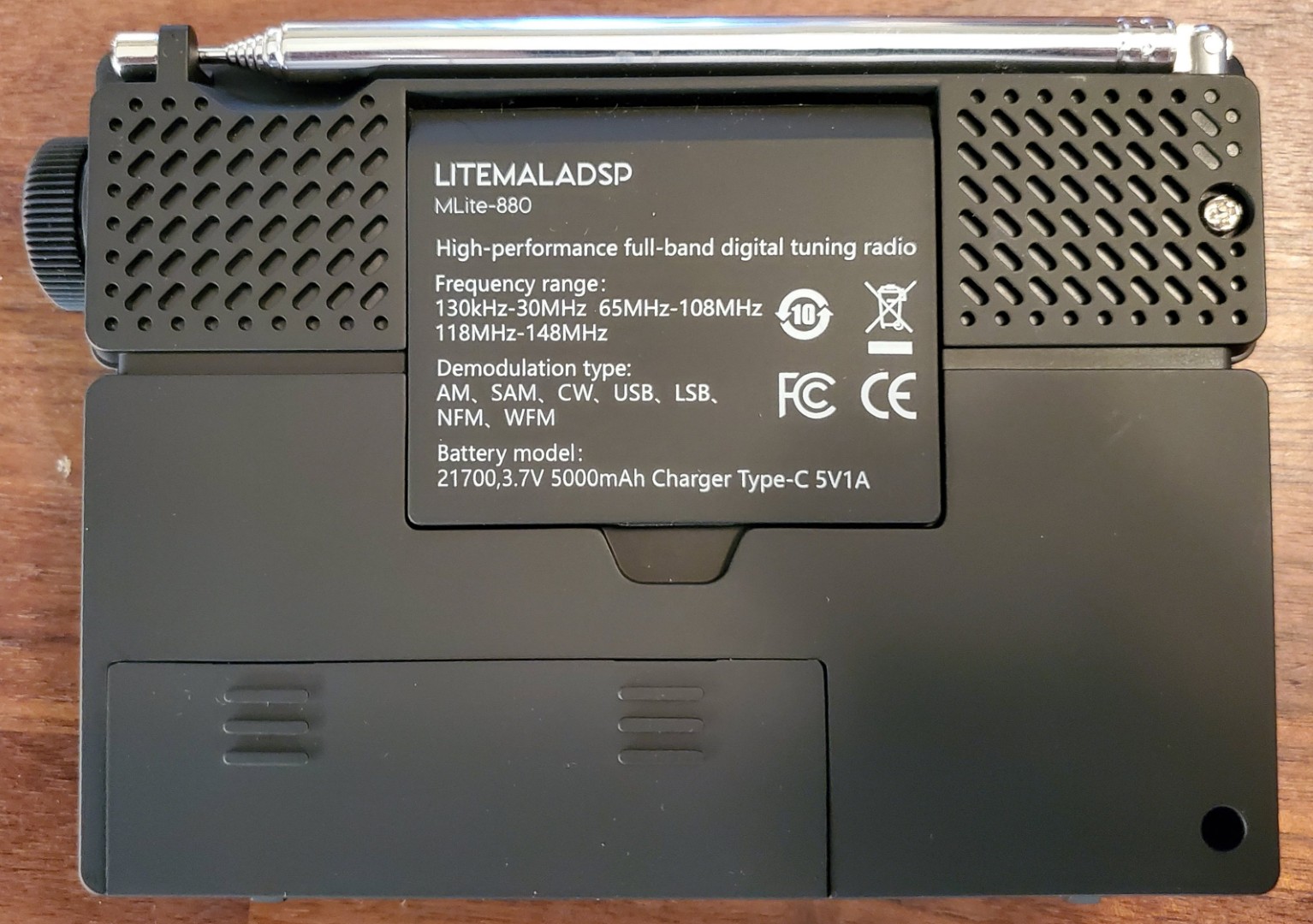
Band Coverage:
MW, LW, SW 100 kHz – 29.999 KHz (AM, SSB, CW, SAM modes)
FM 65–108 MHz Stereo at Headphone jack
2-Meter/ 4-Meter Amateur 118–148 MHz (Includes Air Band)
Bandwidths: AM/SW – 0.05 KHz – 15 KHz Continuously Adjustable plus you can also set a low freq cut-off
FM – NFM (Narrow)/WFM (Wide – for typical FM listening) modes – Auto-bandwidth plus 7 fixed bandwidths from 311 KHz – 56 KHz
RDS
Signal Meter – Bar Graph or Numerical Signal Level
Tuning Steps:
AM/SW: 9 Settings from 100Hz – 10 KHz
FM: 9 Settings from 1KHz – 200 KHz
SSB plus DSB Synchronous Detection
Auto Scan Tuning (See discussion)
Frequency Offset Adjustment
Noise Reduction 0 – 30 db adjustable
Noise Blanker with adjustable threshold
Squelch with adjustable threshold
EQ – 8 Settings plus Off
Auto/Manual AGC and Attenuators
30” Whip Antenna
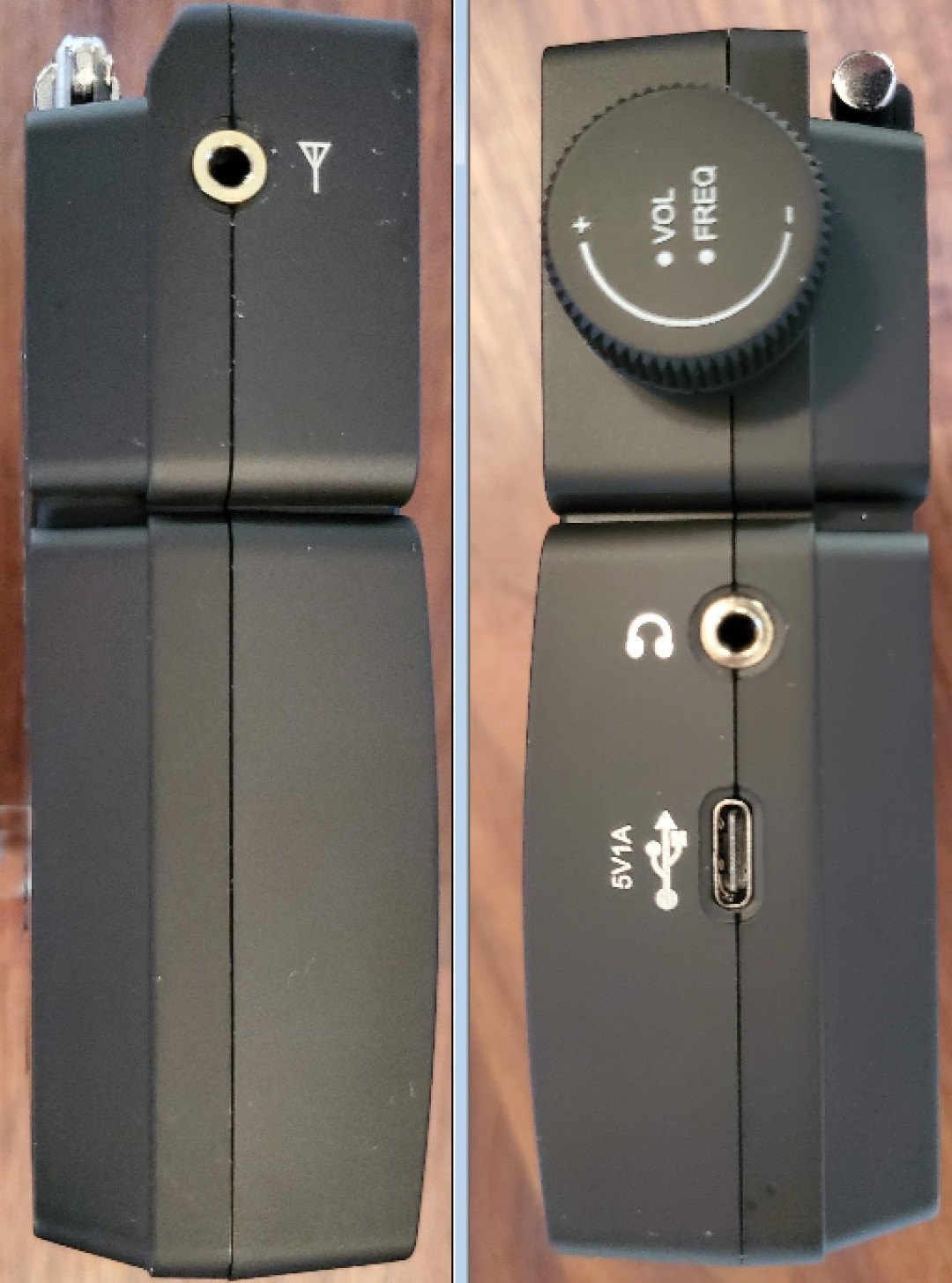
Aux Antenna Input for all bands: 50 Ohm 1/8”/3.5mm minijack (SMA Adapter Supplied)
Earphone Out: 1/8”/3.5MM with FM Stereo
Bias T Mode to power external antennas
Firmware User Updatable
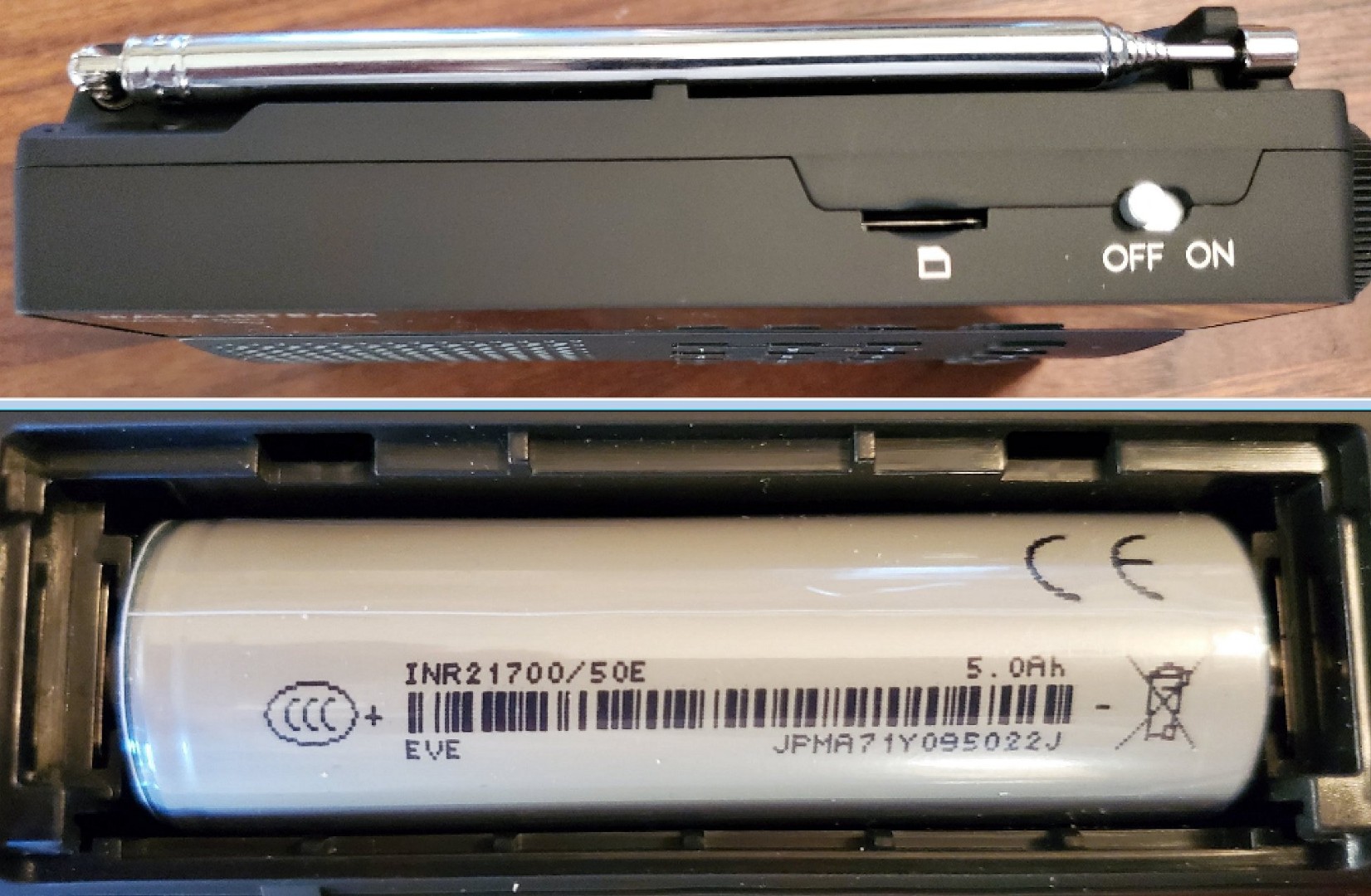
21700 Li-ion 3.7 volt 5000 mAh battery
USB C Charging/Data jack
Multi-color Charging LED (Red while charging/Green when fully charged)
Class AB Power Amp/5W speaker
Bluetooth
Micro SD/TF card slot playback and record in WAV/FLAC format
This radio has far too many adjustable features and settings to describe them all here but you can download the Owner’s Manual and check the online information using the links at the end of this article.
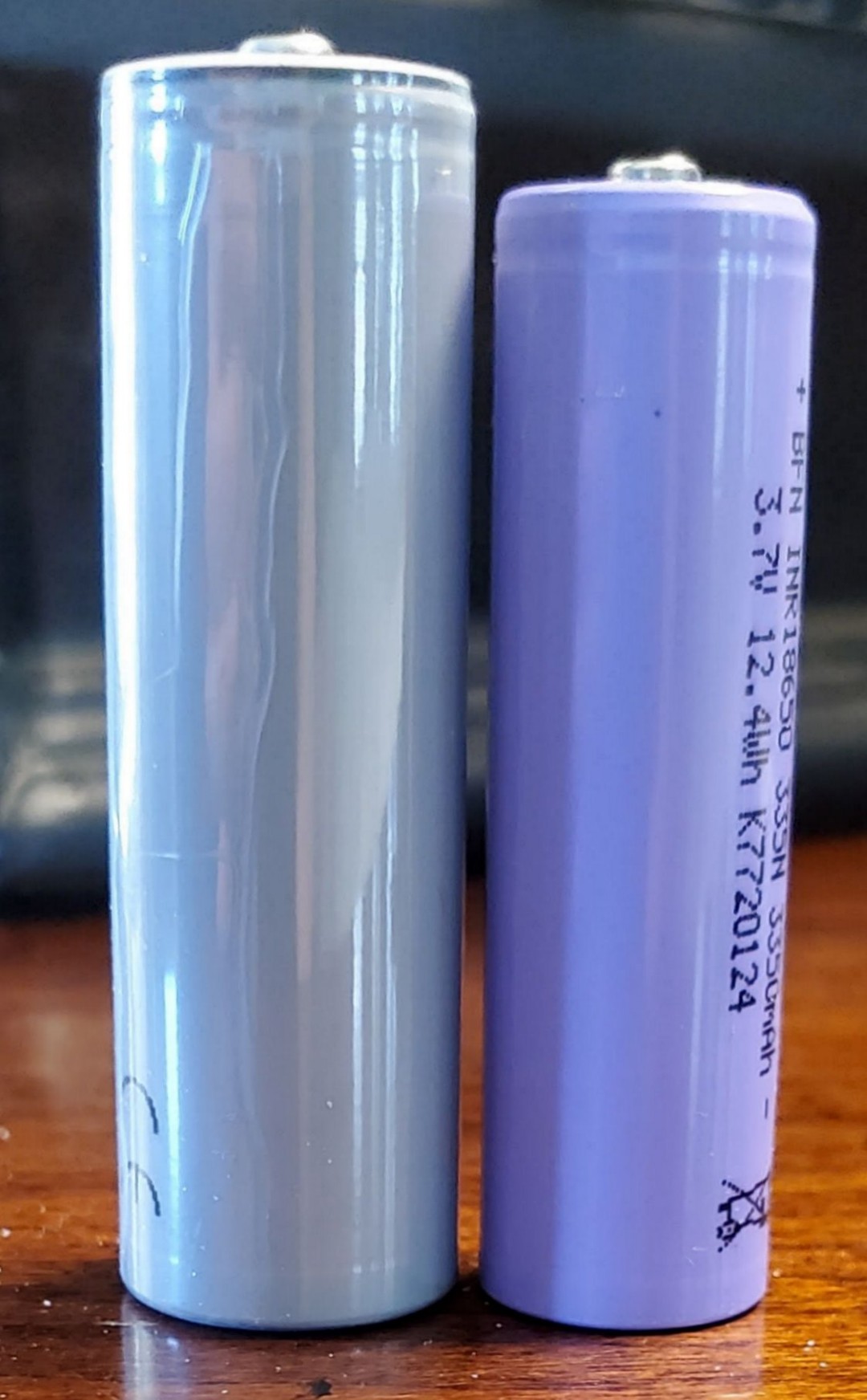
Above: Left: 21700 5000 mAh Battery – Right: 18650 Battery
Getting To Know the MLite-880: As I said at the top the MLite-880 is amazing in many ways but it takes some experimentation to become comfortable with all of its many settings and capabilities. Some are simple one-step actions, such as hitting the #1 key to access Tuning steps with 9 (!) AM choices from 100 Hz to 10 KHz and FM with 9 settings from 1KHz – 200 KHz. The #2 key brings up modes such as AM, LSB, USB, DSB, CW and more. The A, B, C and D buttons have dedicated functions which make things simpler once you learn them.
Some of the menus have three pages within them. For example, Button 3 brings up a menu called Radio Settings with 5 selections within. Then you can hit Button A to get to a second and third page of settings. There are many options available but with some time things began to make sense and most became intuitive. Plus, there are some shortcuts which seem very innovative. One example is Direct Frequency Input. You don’t even have to select the correct band. Just type in the frequency and then select A for KHz or B for MHz and the radio will go there. You start with the #4 Button (Freq Set) and you also must enter the decimal point for FM…for example to get to 106.5 MHz, hit Button 4 (Freq Set), then press 1, 0, 6, *, 5, then B for MHz. To then go to WWV at 15 MHz hit Button 4, then 15 and B. To go to 590 AM hit Button 4, 5, 9, 0 then A for KHz. It’s quicker and easier to do than to describe.
Note that this radio uses a 21700 Li-ion battery which I hadn’t seen before. As you can see it is a bit larger than the familiar 18650 battery and the supplied battery has a 5000 mAh capacity. According to the website charging time is 5 hours with 24 hours playtime which of course will vary dramatically with volume.
The autoscan tuning also works differently. You can set Manual or Scanning tuning modes in the menus for AM and FM and once you set to auto scan mode, whenever you tune it will auto scan to the next frequency.
In Use – AM: Once I felt comfortable with the main settings, I began the performance tests and I’ll say right here I was not prepared for what I found. One thing I discovered is that since the M-Lite 880 has no internal ferrite rod for AM it relies on the whip and although performance is superb on SW and FM with the whip it is awful on AM. I have a handful of radios that can use their whip antennas on AM so I took the radios outdoors where whip antennas work very well on AM and compared them and found ’880 was incredibly insensitive. In the house where normal levels of RFI render whips noisy on AM, the MLite-880 heard very little on AM while other radios with whip antennas had noisy reception but many signals were still there.
But, when I used any sort of external antenna the AM came to life and was as sensitive as any other radio I compared it with. This was a big surprise. I used an inexpensive tuned passive loop and with that antenna the MLite-880 was a strong performer ranking ***** on the AM Mega List.
Even tuning to very faint traces of signals which were barely readable the ‘880/loop combo was not outdone by any of my reference receivers. Then adding the NR made all of the less-than-perfect signals sound that much clearer reducing the background noise significantly…in many cases the MLite-880 with NR outperformed all of my reference radios. Now I must explain that NR is a two-edged sword. Over-used it can ruin the sound quality turning the audio into a swishy, metallic-sounding mess that sounds like you are at the bottom of a barrel or a loss of volume. But you have total control over this…the NR effect can be adjusted from 0 – 30 db…I found that a setting of 15 worked well as a starting point in most cases. And it was interesting. With plain hiss it was most effective while with some other noises or interference it sometimes caused weirdness unless I dialed it back a bit. But generally, it was an extremely effective tool and it’s hard to live without once you have experienced it. It is also great that you can listen to the signal while adjusting the NR level to find the sweet spot. I hope they can learn why AM is so weak off the whip while it is so strong using the external antenna jack.
SW was very sensitive both with the whip and using the external antenna jack…it compared favorably with several radios I compared it with. And again, switching in the NR transformed most weaker signals, greatly reducing the background noise. Sometimes the improvement was astounding.
FM was similarly superb – the Mite-880 was able to receive every station I could find with the same high sensitivity and razor-sharp selectivity as my best FM portables and rates ***** on the FM Mega List.
Sound: As mentioned in the specifications there are 8 EQ settings in addition to “off” and they are similar to the presets we see on other modern radios. They allow lots of flexibility but I like the way the radio sounds with EQ off and I left it that way for most of my tests although on FM music the Bass selection was sometimes nice. The range of bandwidths is incredible and lets you tailor the reception to specific signals with great precision. You may also note that if you aree comparing two radios side by side the MLite 880 has a very slight delay due to its digital processing. This is completely normal and something that we’ve seen in other electronic devices
Ergonomics: Although I initially thought this was going to be a tough radio to learn I have to say that once I had used it a few times I began to understand it and I now think it is fairly easy to use. Clearly, this is a radio for radio enthusiasts and you should be able to learn it with a bit of time and patience although I would not recommend it as a gift for a non-radio person. There are a few things that could be easier, such as the need to press the Tuning Knob, sometimes repeatedly to switch from Tuning to Volume modes or to switch other features on and off but again, this quickly became second-nature so I don’t want to overstate the issue. I do think the Owner’s Manual could go a lot further describing some of the features and settings…many of these settings are shown but not explained. Yes, you can learn most of them by trial and error, but this radio has many unique features and clear explanations would be very helpful. I might suggest a Quick Start Guide followed by a detailed description of all the features and settings.
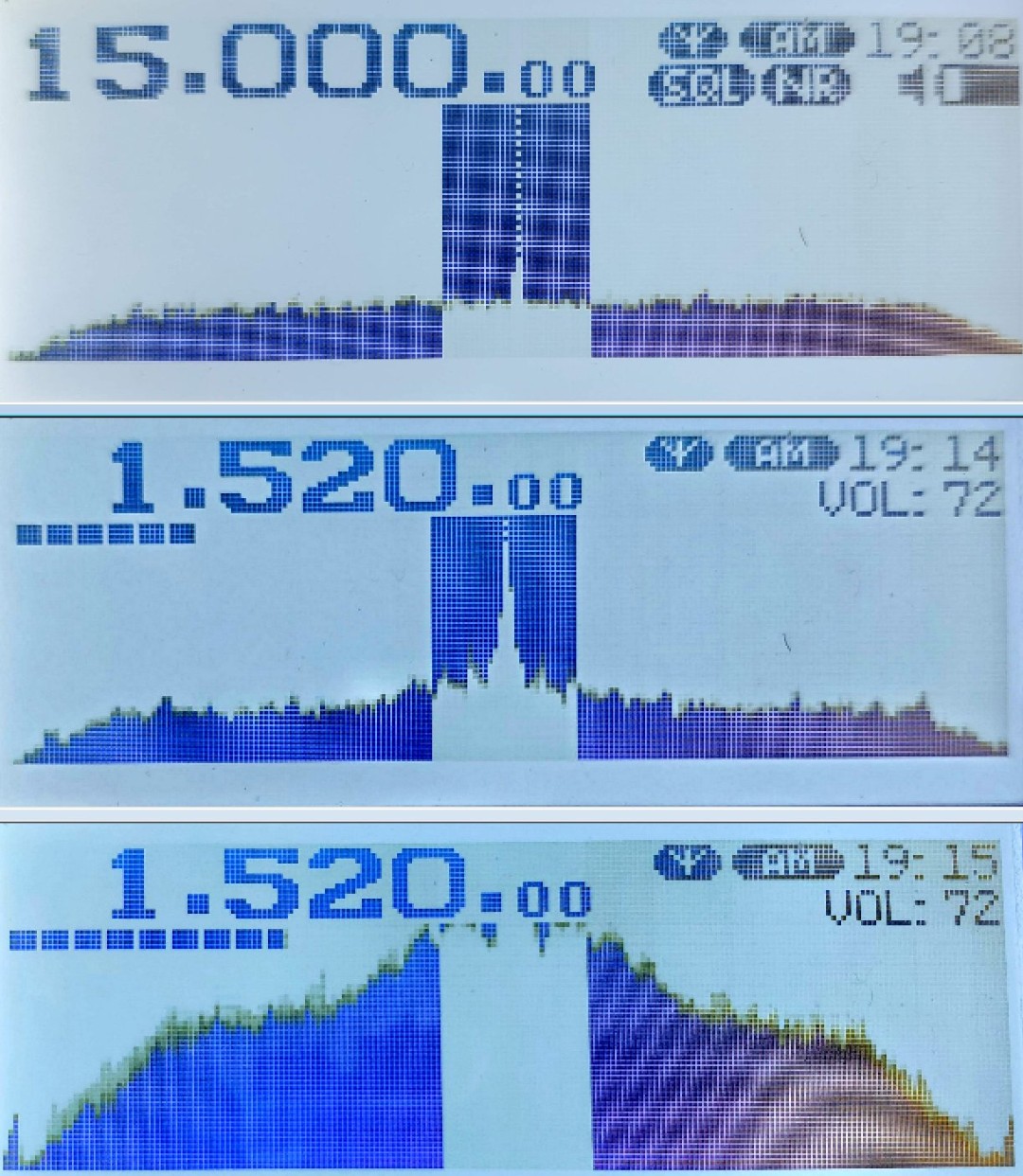
Top Photo: Crosshatch Pattern is a photographic artifact and does not appear on the display
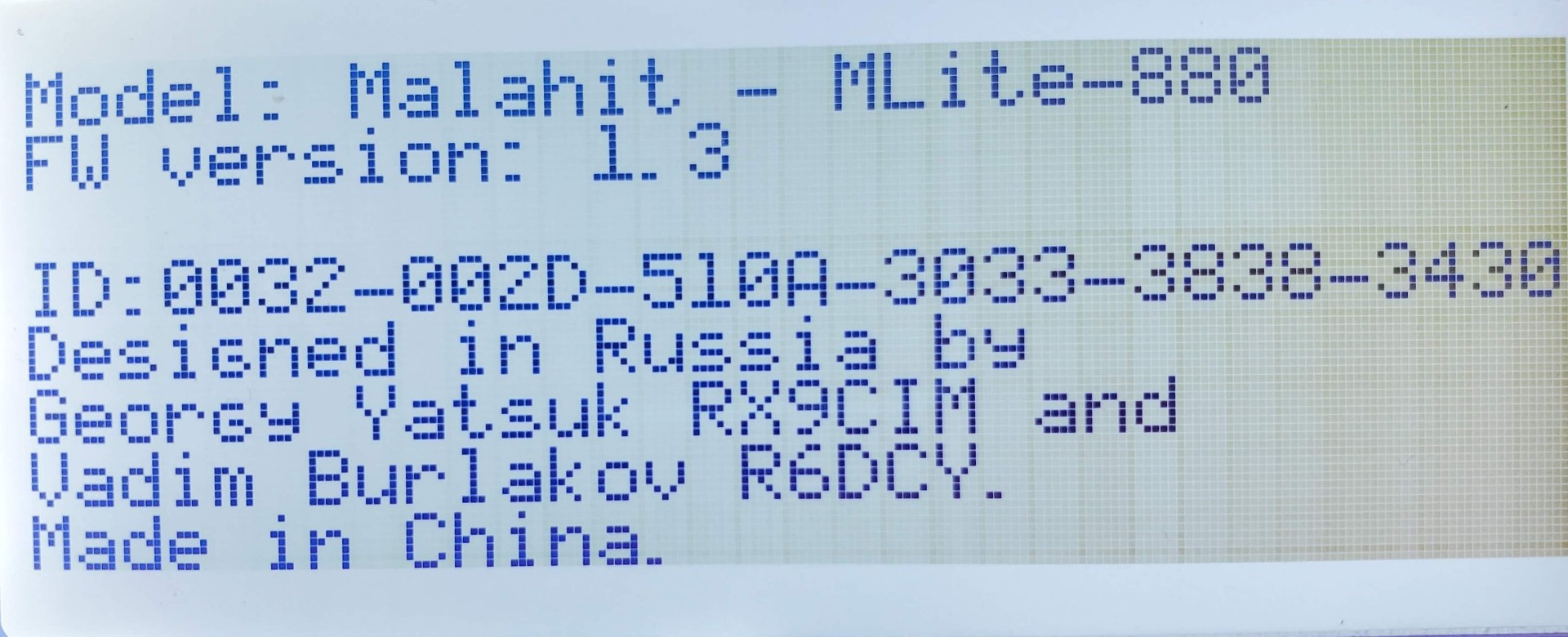
I successfully upgraded my radio from firmware version 1.2 to 1.3 and their auto updater worked flawlessly. I did get security warnings from Windows both when downloading the software and then when launching it but after telling the software to proceed it worked just as it should and was quite automatic. The newest firmware version 1.3 adds a Display Sensitivity adjustment but it seems it should be able to be reduced further so the tops of the signals could be seen rather than flat-topped.
It is also unusual that the MLite-880 records to SD/TF cards only in WAV format which is a bit unusual…WAV gives the highest quality but makes the files much larger than if they were recorded in MP3 format.
Conclusion: I must say that I was impressed not only by the MLite-880’s overall reception performance but by how incredibly effective the Noise Reduction feature can be on AM and SW. I suggest you start with a medium NR setting around 15 then try adjusting the NR level while listening to a noisy signal and you will find that you can usually get considerable noise reduction before any artificial artifacts or volume loss creep in. This will become second-nature after a while and you will learn the feel for this quickly.
You can download the Owner’s Manual here:
Product Support email: support@elecevolve.com
Bottom Line: If you are a serious “radio person” and don’t mind learning how to navigate menus, the MLite-880 is a radio you have to try. Although the AM requires an external antenna, even an inexpensive passive tuned loop like the Kaito AN-100: will give you AM performance as good as any other portable radio I own. FM and SW performance are both as good as it gets in a portable radio whether off the whip or with an external antenna, then on top of that the NR feature lifts AM and SW performance up another level. It’s that good.
Highly Recommended!
 radiojayallen
You must be logged in to post a comment.